


Products featured
If you need to accept card payments in person, getting a card machine probably feels like the obvious thing to do.
But which one?
Some terminals stay at the sales counter. Others can move around a shop, restaurant, event, or travel to the customer’s location.
The costs vary, too, and the advertised transaction rate doesn’t always tell you what you’ll pay for the hardware, setup, or rental – especially if you need more than one card machine.
Then there’s another option you might not have considered: accepting contactless card payments through your own smartphone.
Ready to find the right card machine for your small business? We’ll start with Ziina’s Tap to Pay, then compare six physical card machines available in the UAE.
In this article:
- What to compare before choosing a card machine
- Card machines for small businesses in the UAE at a glance
- 7 card machine options to consider for your small business
Looking for a way to accept contactless payments without buying a card machine? Ziina’s Tap to Pay turns your compatible iPhone or Android phone into a payment terminal. Get started for free.
What to compare before choosing a card machine
Start by thinking through where and how you’ll take payments.
A countertop machine could work perfectly well if every customer comes up to you to pay. But if you take payments at restaurant tables, during appointments, or at pop-ups and events, you’ll want something you can carry.
Think about how many people need to use it, too. One shared machine might be enough for a small shop. It’s a different story if a few waiters, barbers, drivers, or sales assistants need to collect payments at the same time.
Some card machines also include features built for certain kinds of businesses. For example:
- Hotels and rental companies might need to place a temporary hold on a customer’s card before confirming the final amount.
- Restaurants might want to let customers split a bill or add a tip right on the terminal.
- Businesses that often serve tourists might want dynamic currency conversion, so customers can see the total in their home currency.
- Retailers or restaurants might want the machine to connect with the software they already use to manage orders, inventory, or sales.
Then there’s the cost.
One card machine can cost around AED 2,000-3,000 upfront. But you’ll probably also have to pay for setup, rental, maintenance, minimum volume, or monthly fees – on top of the transaction rate – depending on the provider.
If you process a high volume of card sales, even a small difference in the transaction rate can rack up your monthly costs. And if you only take in-person payments at an occasional market or event, buying or renting the machine could be quite a big expense.
If a few employees need their own machine, you’ll have to multiply that cost for each of those team members.
Once you know what your business needs from a card machine – and what you don’t want to pay extra for – it gets much easier to pinpoint the right one.
Card machines for small businesses in the UAE at a glance
So, which card machines are worth looking into?
Below, we’ve included six physical machines, along with Ziina’s Tap to Pay – a card machine alternative right on your phone for businesses that only need to accept contactless payments.
Comparison table
| Card machine | Could be a fit for | How you can use it | What stands out for us |
|---|---|---|---|
Ziina’s Tap to Pay card machine alternative | Small, mobile, or team-based businesses that only need to accept contactless payments, such as event sellers, pop-up stores, or restaurants | Accept supported cards and mobile wallets on a compatible iPhone or Android phone | No separate card machine, setup fee, or monthly charge for Tap to Pay. Contactless debit and credit cards are supported (Visa, Mastercard, and American Express) plus Apple Pay and Google Pay + tips and refunds |
Network International Mini POS¹ | Shops, restaurants, and others that want to bring a small card machine to the customer | Use it at the counter, carry it around your location, or take it to events | Pocket-sized hardware, digital receipts, and support for BNPL |
ADCB POS machines² | Hotels and rental businesses that need to place a hold on a card before confirming the final amount | Keep a machine at a fixed counter or bring a 3G or 4G terminal to the customer | Preauthorization, tips, refunds, and dynamic currency conversion |
ADIB Mini POS³ | Businesses that want a small card machine without carrying receipt paper | Bring it to tables, appointments, or another point of payment and send receipts digitally | Compact hardware designed for portable payments |
Emirates NBD Pay Android POS⁴ | Retail and hospitality businesses that often serve customers from outside the UAE | Accept chip and PIN, contactless, and mobile wallet payments through a physical Android terminal | Dynamic currency conversion |
Paymob POS⁵ | Restaurants and service businesses where customers split bills or leave tips | Take payments at the table or counter and connect the terminal with Foodics or Deliverect | Bill splitting, tips, BNPL, and restaurant software integrations |
Geidea payment terminal⁶ | Hotels, restaurants, and rental businesses that need preauthorization or reports from the terminal | Take payments at the counter or bring a handheld terminal to the customer | Preauthorization, tips, printed transaction reports, and dynamic currency conversion |
Information last checked on September 7, 2026. Ziina publishes its Tap to Pay transaction fees, but you’ll have to contact the other providers directly to learn more about their pricing. You can ask those providers for a quote covering the setup, rental, transaction fees, minimum-volume requirements, settlement timing, and extra devices. Fees and eligibility may depend on your business, sales volume, cards accepted, and merchant agreement.
7 card machine options to consider for your small business
Here’s a closer look at what each of the options above lets you do and how it could fit into your working day.
1. Ziina’s Tap to Pay lets customers tap their card against your phone
Before you buy or rent a card machine, ask whether you need another device at all.
With Ziina’s Tap to Pay, a compatible iPhone or Android phone becomes your contactless payment terminal.
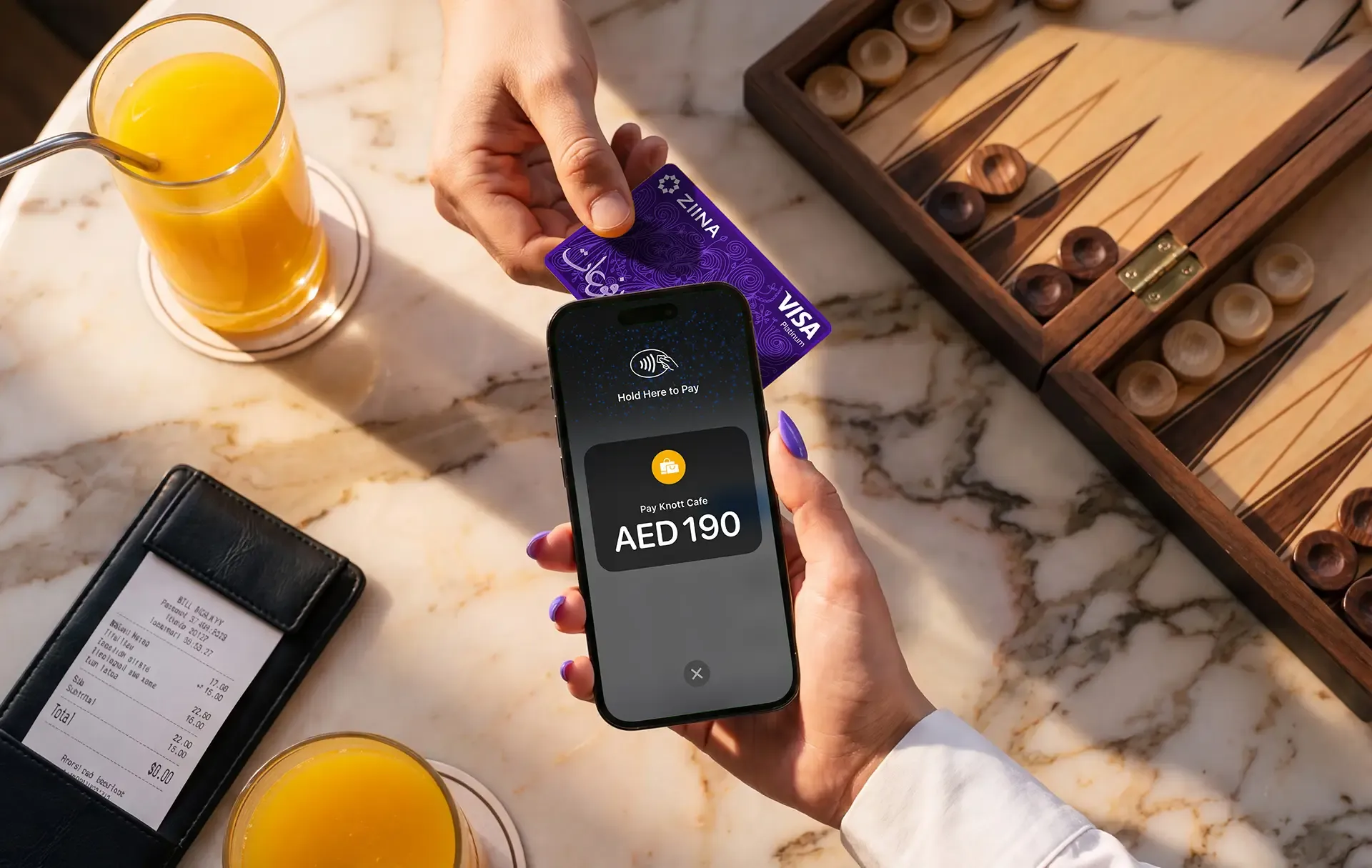
Instead of spending funds on each terminal, you can use the phones you and your team already carry. And if another employee needs to take payments, you don’t have to order another card machine and wait for it to arrive.
That also gives you more flexibility. Picture a barber finishing a home appointment, a beverage brand opening an extra stand at a packed event, or a retailer running a weekend pop-up shop.
In each case, the phone that’s already there can take the payment.
How Tap to Pay works for in-person card payments with Ziina
You can start accepting card payments on your phone in just a few steps:
- Open Tap to Pay in the Ziina app and enter the amount.
- Ask the customer to hold their contactless card or mobile wallet near your phone – they don’t need a Ziina account to pay you.
- Wait for the confirmation on screen.
That’s it. The payment appears in your Ziina account, without the trouble of buying, setting up, and remembering another device.
With no setup fees or monthly Tap to Pay charges, you only pay when someone pays you. Ziina charges 2.6% + AED 1 per Tap to Pay transaction, plus 1.5% for international cards and applicable VAT. See Ziina’s pricing page for the latest information.
That lets you try in-person sales at a market, cover a busy event, or give more team members a way to take payments – without the need for extra hardware.
Read more: How to get started with Tap to Pay
Let every team member accept payments from their own phone
If your employees work in different rooms, serve different tables, make deliveries, or travel to customers, sharing one card machine can slow everyone down.
Ziina lets you add team members to your business account and assign permissions based on what each person needs to do. Each approved team member can then collect payments from their own compatible phone.
That’s how Abu Dhabi’s Ace of Fades empowered their team of five barbers to take payments both at the salon and during home visits. According to Ace of Faded, buying five card machines would have cost AED 7,500 upfront, but Tap to Pay gave each barber a way to get paid using the phone they already carried.
“I tell other salon owners all the time! We ditched our card machines and never looked back. Ziina changed how we think about payments. If I’d known about it when we opened, we would have saved so much time and money.”
Read more: How Ace of Fades ditched clunky card machines for Tap to Pay with Ziina
Take payments across more sales channels, all in one app
Tap to Pay takes care of in-person contactless payments, but you can use Ziina to accept payments whether or not the customer is standing right in front of you.
Ziina brings all of these sales channels in one app:
- Payment links: Send a checkout request through social media, SMS, email, or another conversation. Our ‘ZiiBoard’ keyboard extension allows you to create and send a checkout request without leaving your WhatsApp chat. It’s similar to how you’d switch to emojis on the keyboard, only for payment links instead. You can also turn these into digital invoices.
- QR codes: Show a QR code in person or send it to a customer to open the payment page.
- Payment gateway: Add Ziina checkout to a Shopify, WooCommerce, WordPress, or custom website.
Say you run a fashion brand. You could accept contactless payments with Tap to Pay at a weekend market, send a Ziina link when someone orders through Instagram, and take website payments through the gateway.
All those payments appear in your Ziina account, so you can manage them in one place. Tips and refunds are also available.
Here are some other card machine solutions to consider:
2. Network International Mini POS lets you take payments away from the counter
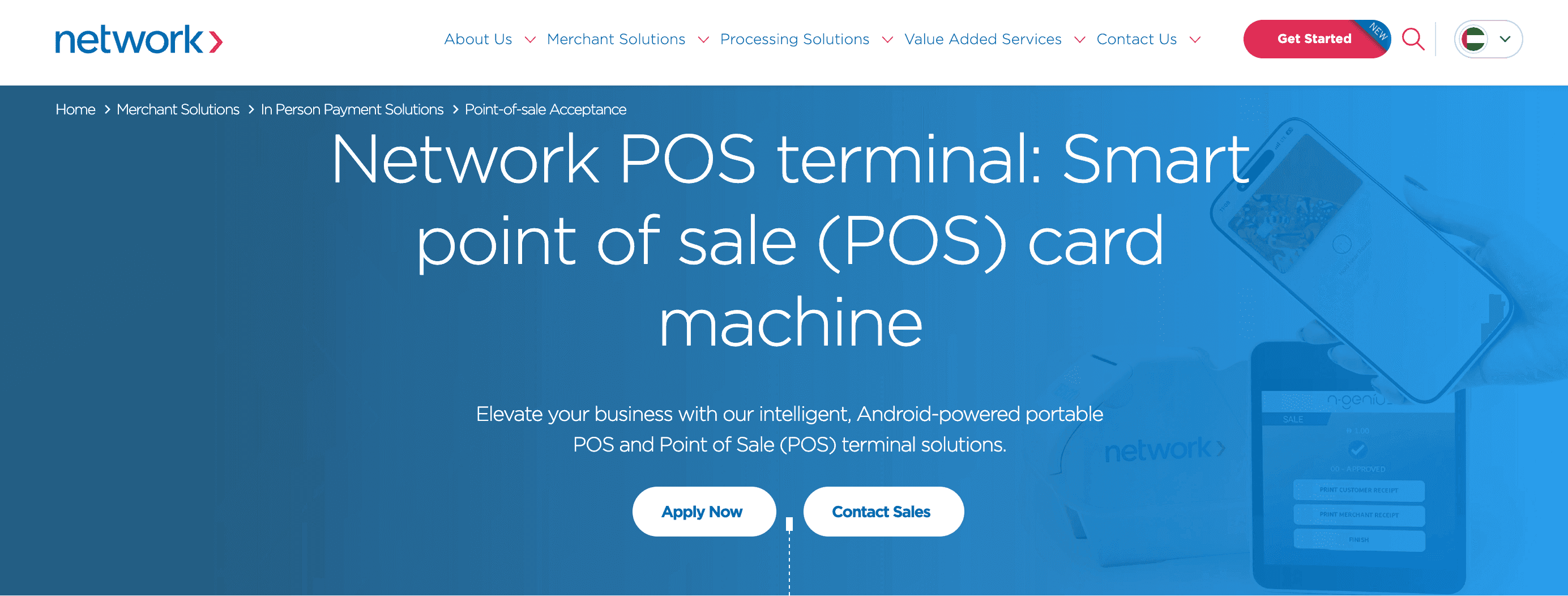
Network International’s Mini POS is a pocket-sized card machine you can use at the counter or carry to customers around your shop, restaurant, or event.¹
Key features include:
- Accepts cards, mobile wallets, and BNPL payments
- Sends receipts by email or displays a QR code for the customer to scan
- Installment plans and loyalty redemption across their N-Genius range (check whether these features are available on the Mini POS and included in your merchant agreement)
3. ADCB could work when your transactions involve deposits or tips
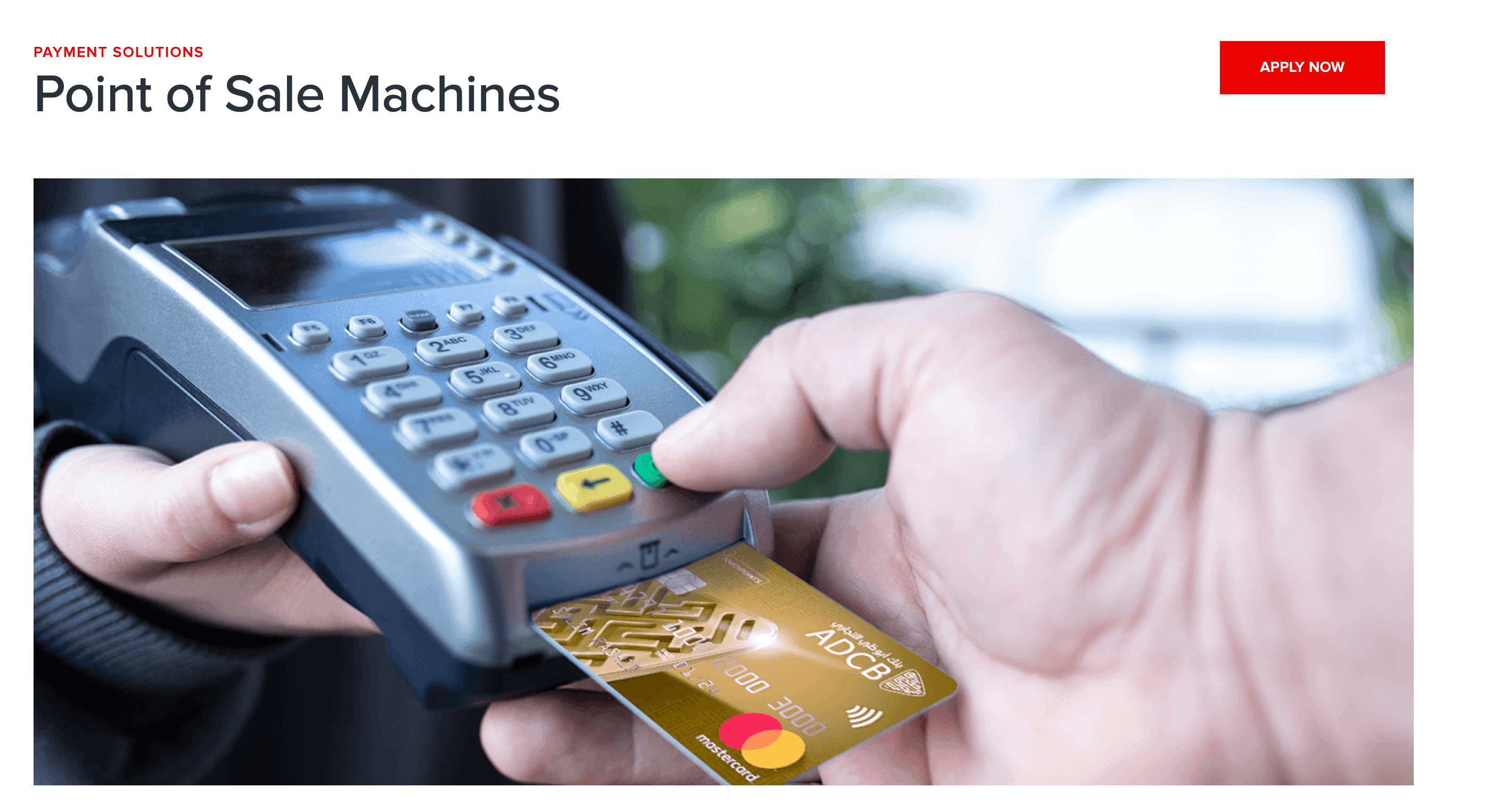
ADCB’s 3G and 4G card machines can stay at the counter or come to the customer.² They’re geared toward businesses that need more control over the payment amount before or after the initial card transaction.
Key features include:
- Preauthorization, which lets a hotel place a temporary hold on a card for incidentals or a rental company do the same when handing over a vehicle
- Tips added through the terminal, which can work well for restaurants and salons
- Refunds processed directly through the card machine
- Dynamic currency conversion, which can show customers from outside the UAE the amount in their home currency before they pay
4. ADIB Mini POS fits in your pocket and sends receipts digitally
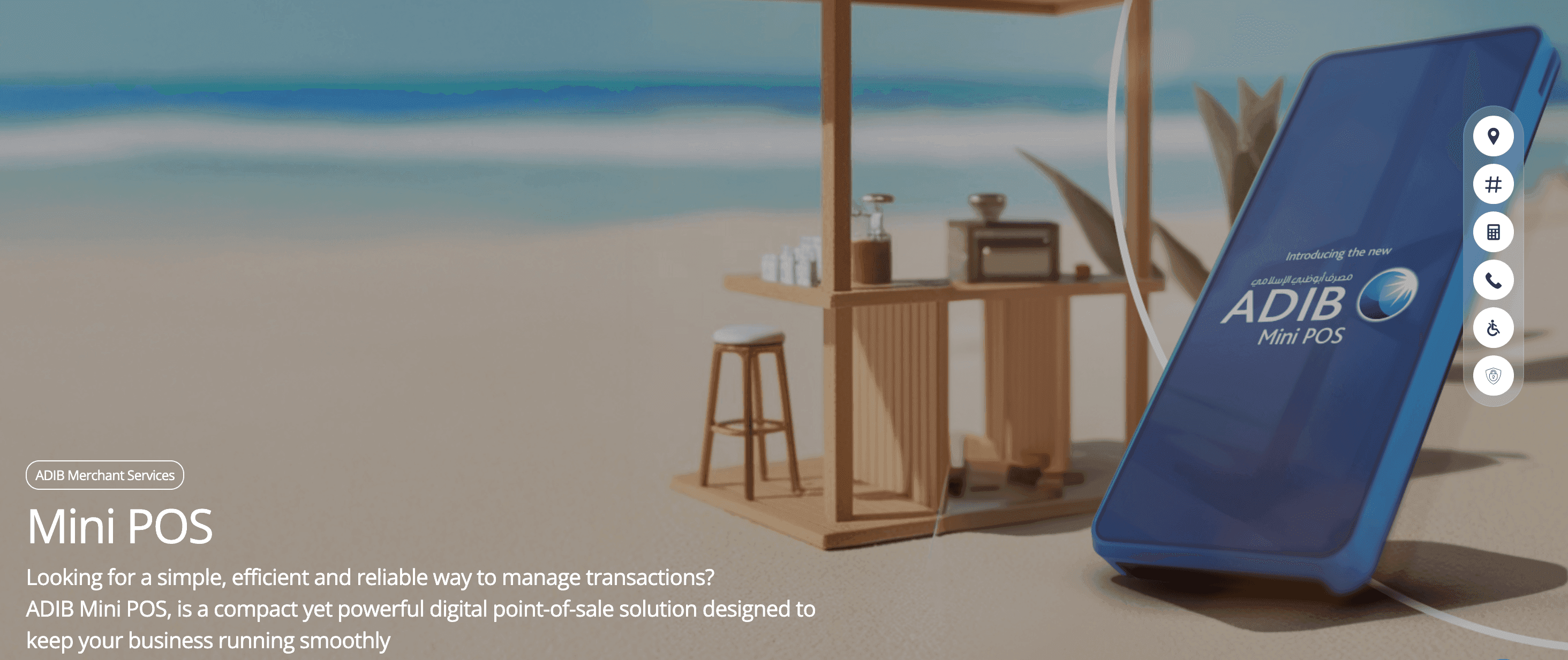
ADIB’s Mini POS is a compact card machine designed for businesses that take payments in different places and don’t need printed receipts.³
Key features include:
- Small enough to carry to a restaurant table, treatment room, customer appointment, or another point of payment
- Digital receipts, so you don’t have to carry receipt paper
- A portable alternative to ADIB’s standard POS machines, which offer Wi-Fi connectivity and contactless payments (ask ADIB which cards and connection options the Mini POS supports before deciding if it covers everything you need)
5. Emirates NBD Pay can show customers the bill in their home currency
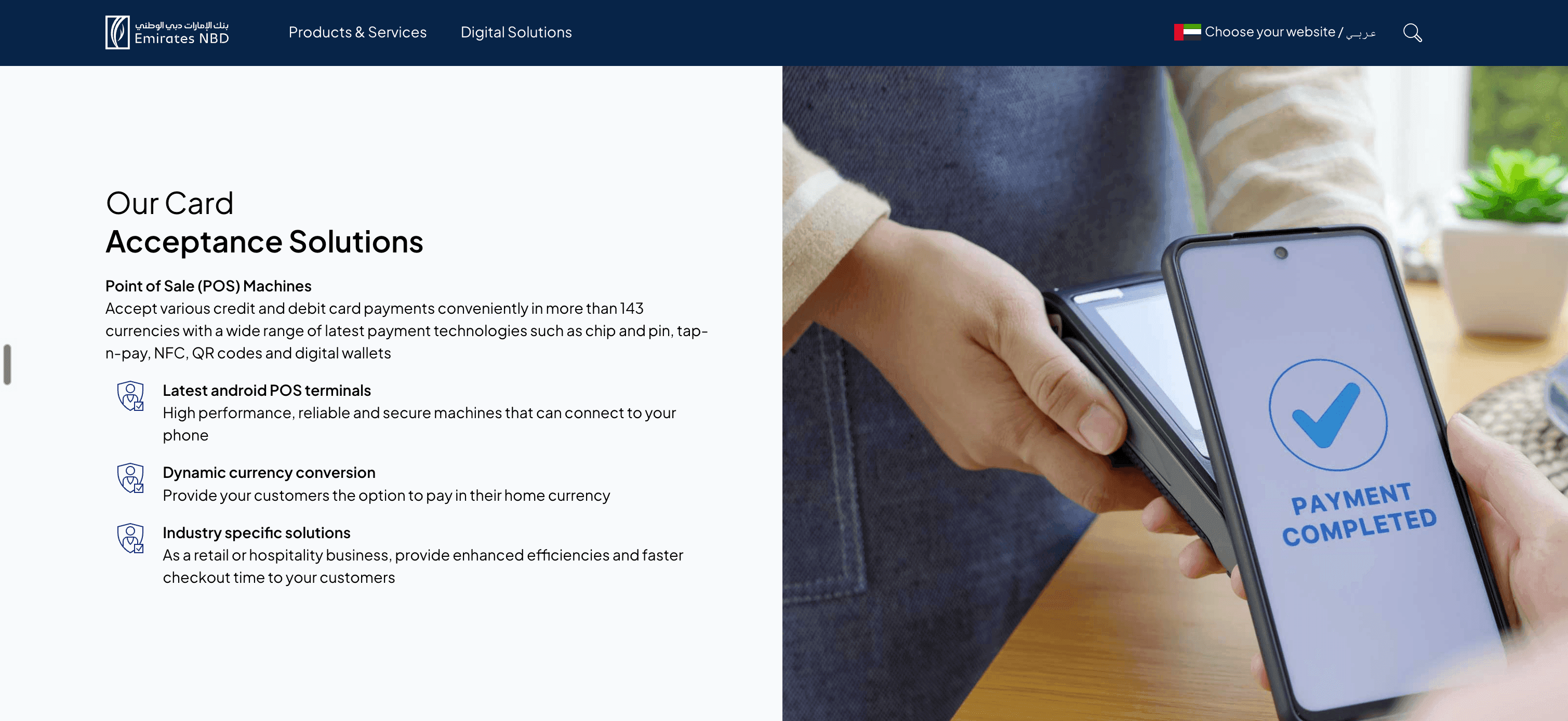
Emirates NBD Pay’s physical Android card machines could suit (for example) hotels, restaurants, attractions, and shops that regularly serve customers from outside the UAE.⁴
Key features include:
- Support for chip and PIN, contactless cards, and mobile wallets
- Dynamic currency conversion, which can show customers the total in their home currency before they pay (different eligibility and terms apply depending on the transaction. Ask Emirates NBD which cards and currencies support this feature, what exchange rate the customer will see, and whether an extra charge applies)
6. Paymob POS lets restaurant customers split the bill or add a tip
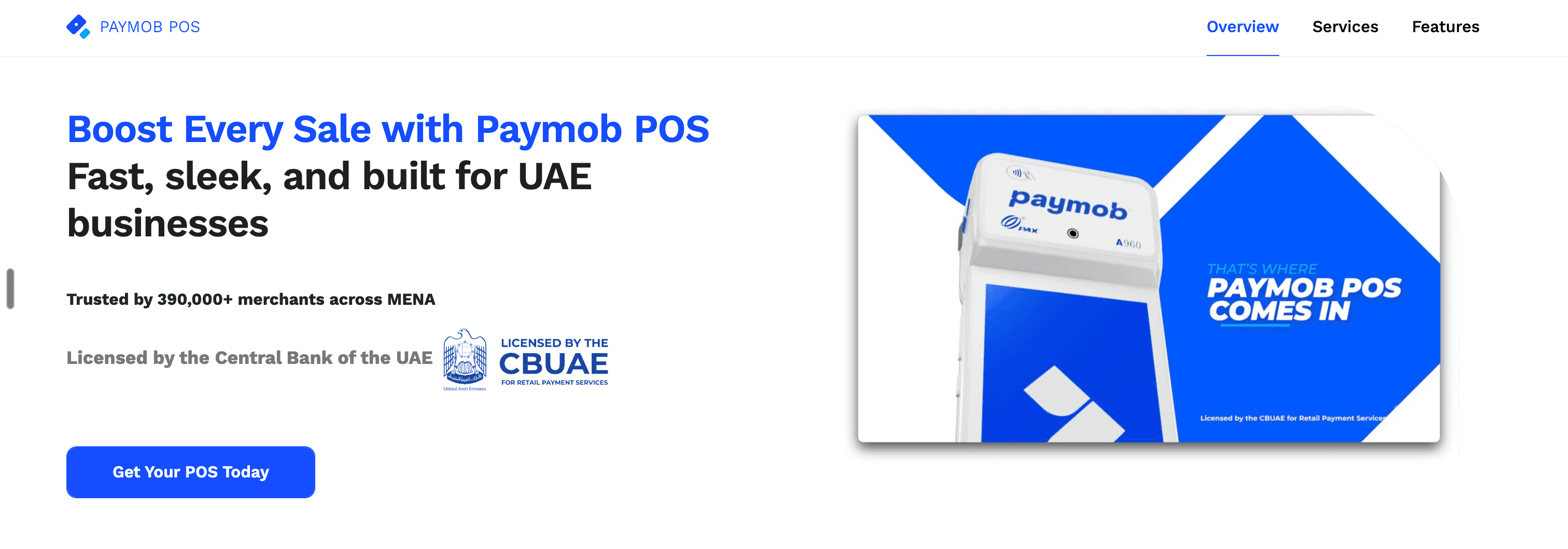
Paymob’s card machines include payment features designed for restaurants, as well as options for service and retail businesses.⁵
Key features include:
- Bill splitting evenly or by amount through the terminal
- Percentage-based or custom tips
- BNPL payments through Tabby and Tamara
- Integrations with Foodics and Deliverect that can sync transactions quickly, so staff don’t have to record the same sale separately after taking payment
7. Geidea can handle preauthorization, tips, and end-of-day reports from the terminal
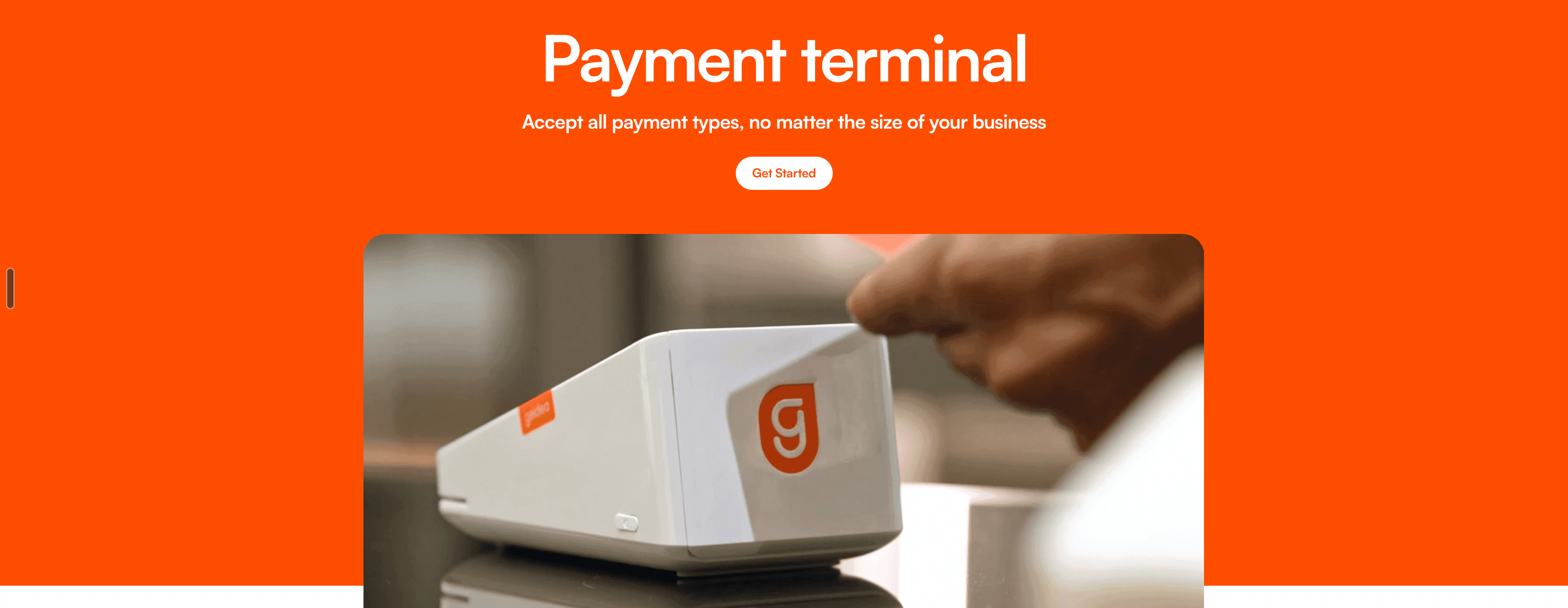
Geidea’s handheld terminal combines standard card payments with features for hotels, rental companies, restaurants, and retailers.⁶
Key features include:
- Support for contactless cards, chip and PIN, magstripe cards, and mobile wallets
- Preauthorization, which lets hotels and rental companies place a temporary hold on a customer’s card
- Tips added through the terminal
- Dynamic currency conversion for qualifying international payments
- Summary and detailed transaction reports printed from the terminal
- Connections with compatible cash register, inventory management, and customer management systems (check whether Geidea supports the software you already use and what the setup involves)
Skip the extra machine and get paid with Ziina’s Tap to Pay
If you need a card terminal that accepts inserted or swiped cards, prints receipts, or potentially stays at a permanent checkout, one of the physical machines covered above could be the right call.
But after comparing terminals, you might realize that you don’t actually need a separate machine – you just need a way to accept in-person payments from your customers.
In that case, Tap to Pay might be what you’re looking for.
Your phone becomes the contactless payment terminal. Your team can collect payments from their own compatible phones. And if your sales move online, you can use a Ziina payment link, QR code, digital invoice, or website checkout through the same app and account.
Start with the phone already in your pocket.
Sources:
1 https://www.network.ae/en/merchant-solutions/in-person-payments/n-genius-pos-terminal
2 https://www.adcb.com/en/business/products-solutions/payment-solutions/pos-machines
3 https://www.adib.ae/en/business/merchant-services/mini-pos and https://www.adib.ae/en/business/merchant-services/pos-solutions
4 https://www.emiratesnbd.com/en/corporate-and-institutional-banking/payment-solutions
5 https://www.pos.paymob.ae/pos
6 https://www.geidea.net/uae/en/solutions/hardware/payment-terminal
Competitor product information checked on September 7, 2026.
Disclaimer: This article is for informational purposes only and does not constitute financial, legal, or professional advice. Product features, fees, eligibility requirements, and terms may change. Check the provider’s latest information before choosing a payment product.
Availability of Ziina products and features is subject to eligibility, successful verification, device compatibility, applicable transaction limits, Ziina’s terms and conditions, and regulatory requirements. Customers are responsible for ensuring they hold any trade license, permit, tax registration, or other approval required for their business activities. Fees, limits, payout timelines, and product features may vary and are subject to change. Please refer to Ziina’s latest terms and pricing for full details.
This article was published in November 2026.